
- Pricing
-
Free to install. Additional charges may apply.
- Popular with stores like yours
- Based in United States
- Rating
- 4.1 (1,710)
- Developer
- PINTEREST inc
Featured images gallery

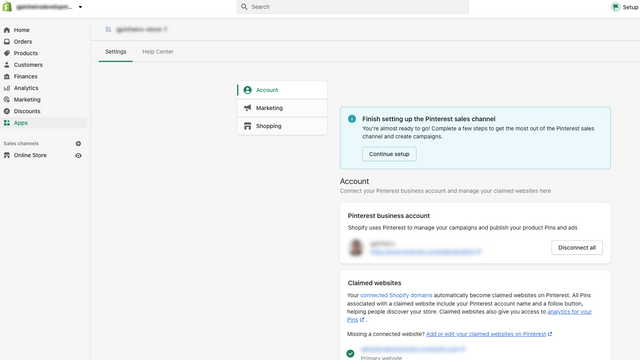
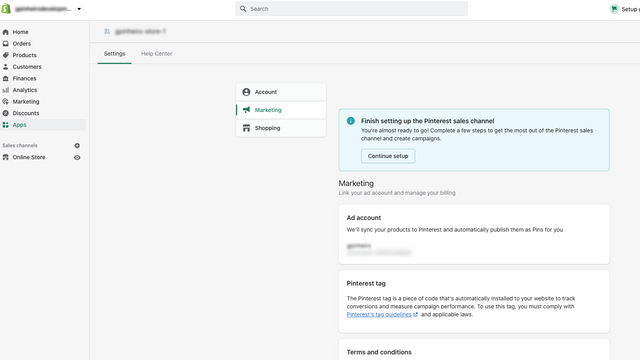
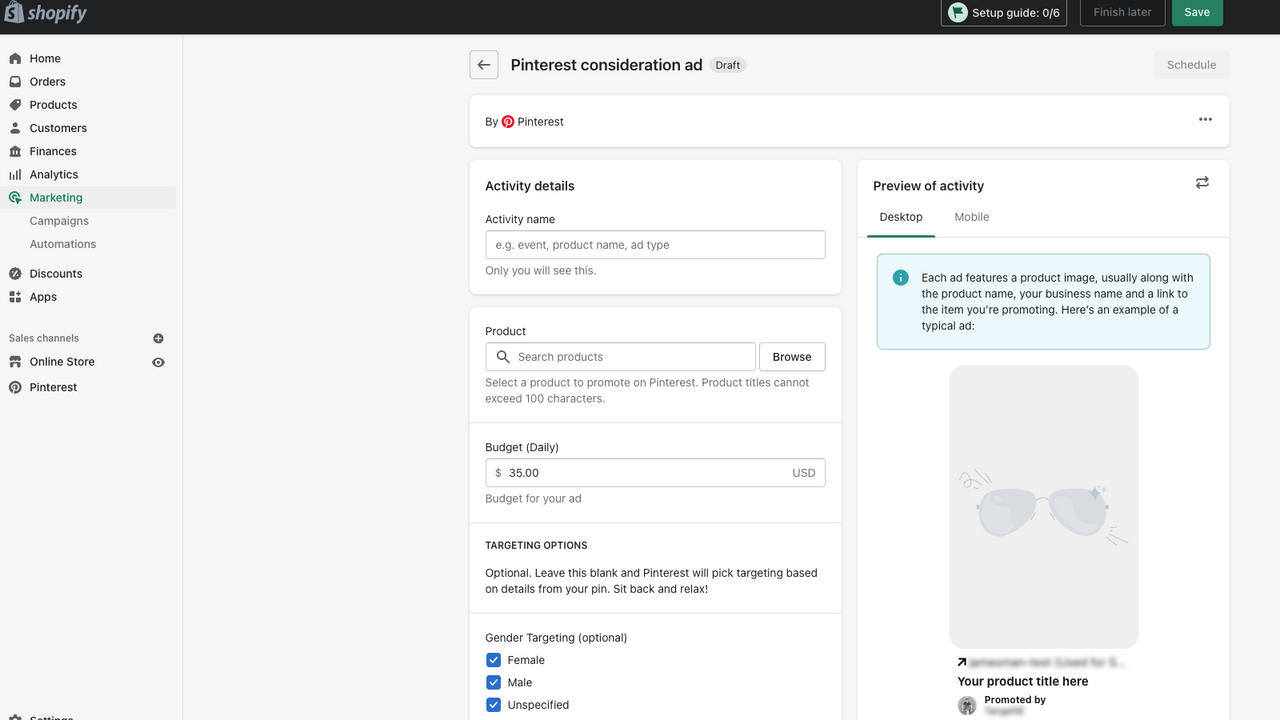
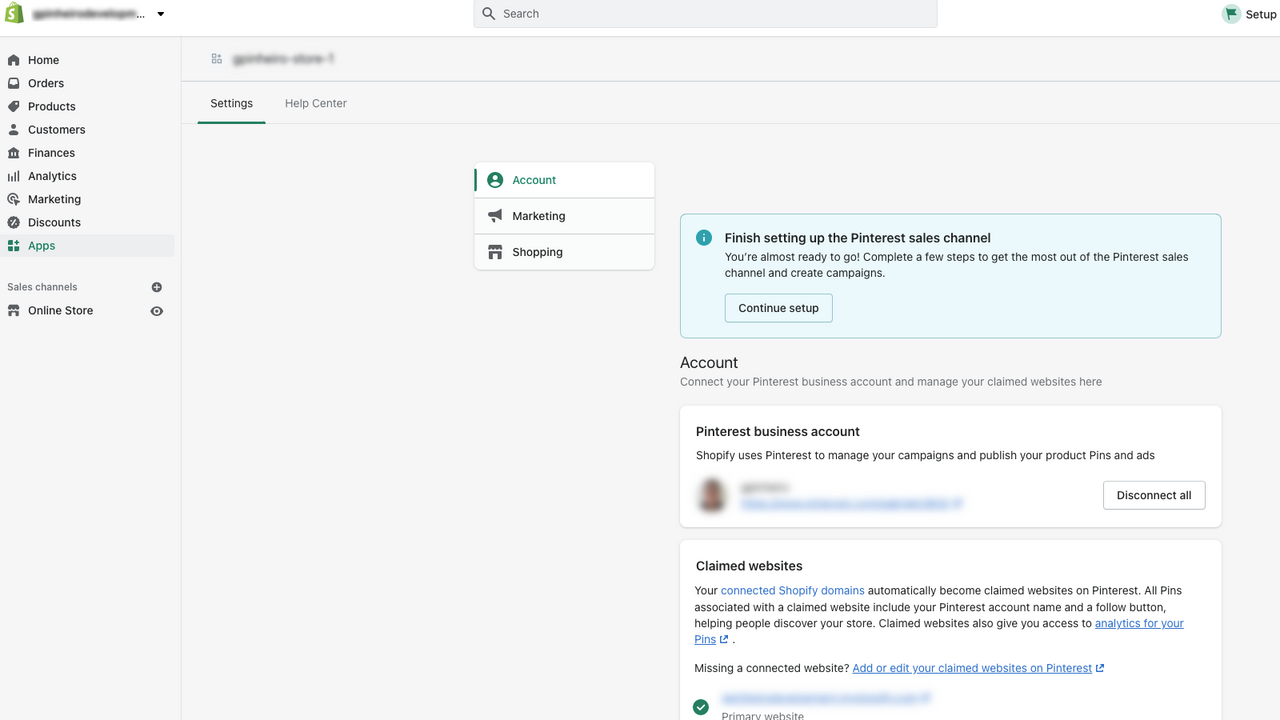

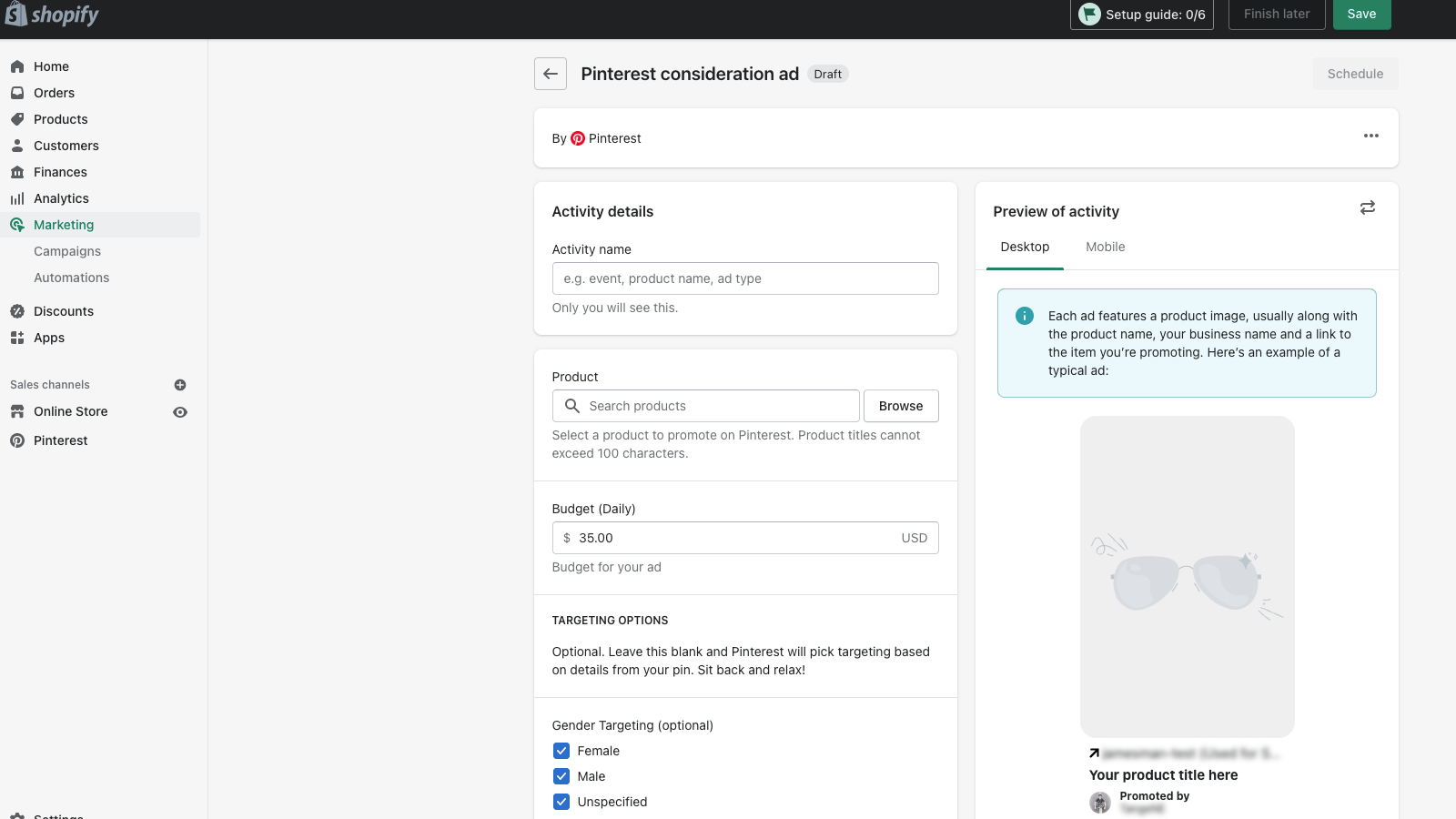
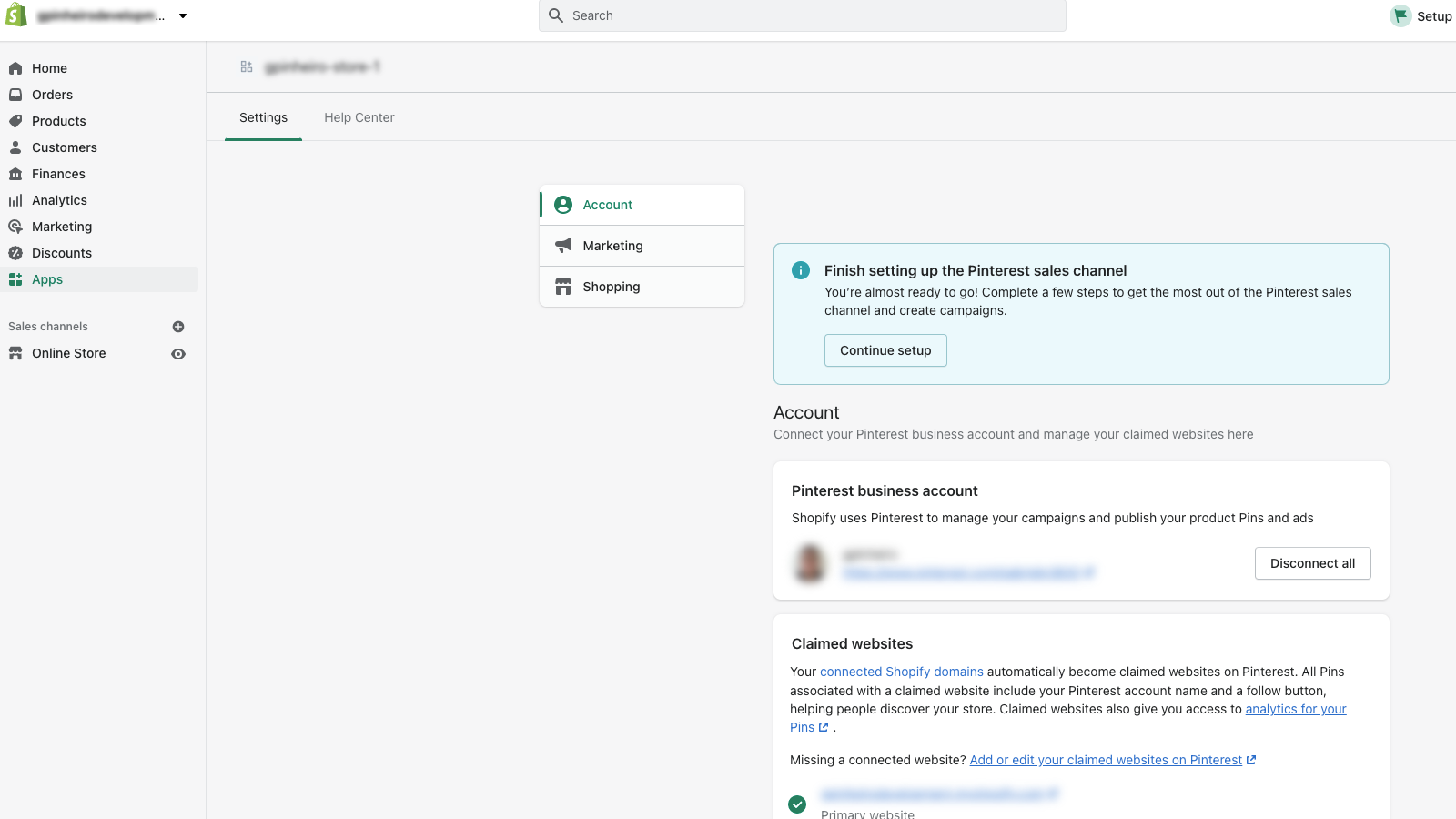

Get your products in front of people on Pinterest, where they go to find ideas to try and buy.
Install the Pinterest for Shopify app to connect your Pinterest account, quickly publish Product Pins, automatically update your product catalog every day, and track performance with the Pinterest Tag. Organically reach people on Pinterest who can easily discover, save and buy products from your website. Reach even more people with campaigns to build awareness, drive consideration or get conversions - all from your Shopify interface!
- Upload your product catalog and keep it updated in near real-time
- Organically surface your entire product catalog to Pinners
- Improve tracking and performance with the Pinterest Tag and API for Conversions
- Promote your products and reach your customers with shoppable ads
- Get ad credits when you connect your account and launch your first campaign
- Popular with stores like yours
- Based in United States
Languages
English, Chinese (Simplified), Chinese (Traditional), Czech, Danish, Dutch, Finnish, French, German, Italian, Japanese, Korean, Norwegian (Bokmål), Polish, Portuguese (Brazil), Portuguese (Portugal), Spanish, Swedish, Thai, and Turkish
Works with
- Checkout
- Shopify Admin
Categories
Pricing
Choose the plan that best fits your business.
Free
Free to install
Pinterest charges only when ads are purchased, with rates based on delivery and merchant budgets
All charges are billed in USD.
Reviews (1,710)
What merchants think
This is generated by Shopify Magic. It's shown when an app has 100+ reviews and at least a 4.0 overall rating.
This is generated by Shopify Magic. It's shown when an app has 100+ reviews and at least a 4.0 overall rating.
Feedback submitted
Merchants find this app very easy to set up and connect to Shopify, with reliable catalog syncing even for large inventories and both digital and physical products. They report smooth verification, clear analytics, and beginner‑friendly ad campaign tools. Many highlight strong organic reach, quick early sales, and helpful ad credits for testing paid campaigns. Support is described as responsive, resolving catalog issues and even offering courtesy refunds.
This app is just awful.
1. Keeps trying to push some free webinar.
2. Three boxes in the overview pushing you to "Create ad"
3. Endless little dismissible boxes and feedback requests that just come back on reload.
4. Instead of just letting people choose their primary market they infer it by looking at your backup market, then using the top level "Market" entry for that, then just pick the first country by ISO code, which for me was UAE. All my Pinterest products were just listed as UAE and in their currency. Then you can't just change this without changing your backup market. And their support just says "you have to change the Shopify feed settings".
5. "Learn more about the Pinterest channel." at the bottom links to a 404.
6. "Update billing info" takes me to Pinterest and my country is set to USA - maybe not related to this app but still...
7. "Pinterest automatically creates your product feeds from your websites and international domains. Only 20 feeds can be active at a time. Feed changes can take up to 24 hours to update on Pinterest." - It creates ONE feed, and the only thing you can do is "Pause" it. All we need was a simple CRUD here...
Pinterest is easy to connect and use with my Shopify store. The setup process was straightforward, and creating and publishing an ad campaign was simple. The interface is clear and makes it easy for small businesses to promote their products and reach new customers.
Waste of time. Unprofessional and contradictory support.
Integrating this app resulted in a complete waste of hours. After a support agent promised a human review of our store, we received a generic, automated template 18 hours later permanently blocking our domain by referencing their "spam" policy.
Labeling a fully legitimate, original e-commerce store as web spam—without any dialogue, specific audit, or right of appeal—is deeply unprofessional. Paradoxically, Pinterest’s sales representatives continue to flood our inbox with invitations to purchase ad campaigns for the very same domain.
A platform that misclassifies real businesses while aggressively soliciting their ad revenue is fundamentally unreliable for serious merchants.
— definitionposters.com
Support
App support provided by PINTEREST inc.
Resources
Developer
Launched
February 18, 2020
Data access
This app needs access to the following data to work on your store. Learn why in the developer's privacy policy .
View customer data:
Sensitive data, device and activity data
-
Sensitive data
Name, email address, phone number, physical address
-
Device and activity data
IP address, browser and operating system, browsing behavior, client ID cookie
View staff and contributor data:
Store owner, blog contributors
-
Store owner
Name, email address, phone number, physical address
-
Blog contributors
Email address, IP address, browser and operating system
View and edit store data:
Customers, products, discounts, marketing, store analytics, Online Store, Shopify admin
-
View customers
Browsing behavior
-
Edit products
Inventory, product listings, products, product feeds, collections
-
View discounts
Discount codes and promotions
-
Edit marketing
Marketing events
-
Edit store analytics
Web pixels
-
View Online Store
Online Store pages
-
View Shopify admin
Legal policies
-
Edit other data
Locales, translations, Shopify Markets settings, resource feedbacks, locations
Featured in


More apps like this