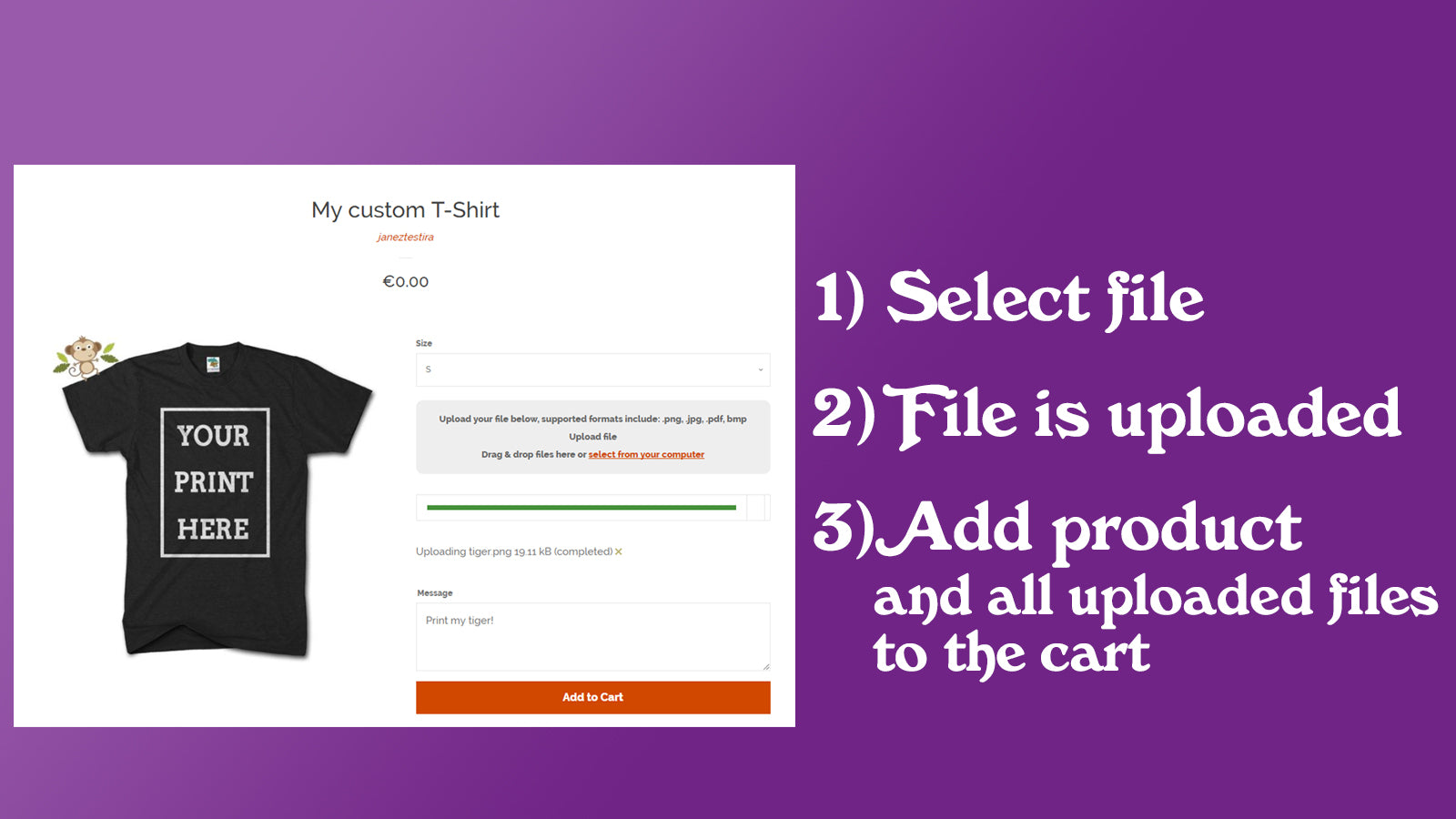
Square: Instagram Feed Gallery
Showcase your Instagram Feed directly on your Shopify store and turn visitors in...

Yuhu ‑Social Media Share Image
Branded link previews for every product your customers share
by Yuhu Apps · Launched: August 2020
Used by 3 Shopify stores
See which stores use it — by country, co-installs & competitive gaps → Unlock with Pro
Manage this app
Verify your developer profile to earn a badge and build trust for your app.
/
About Yuhu ‑Social Media Share Image
Yuhu is a Shopify social share image app that builds the picture shown when a link to your store is shared on Facebook, WhatsApp, Messenger, X, LinkedIn or Pinterest. It combines up to four product photos side by side and adds your logo, a line of text and a badge such as NEW or SALE. Start from one of six style presets. Share images cover products, collections, pages and blog articles, and new products get theirs automatically. No coding: you switch on the app embed in your theme editor.
Last verified: November 14, 2026 · Fresh
App details
- Developer
- Yuhu Apps
- Category
- Store design
- Pricing
- Paid
- Launched
- August 2020
- Rating
- 5.0 (1) on Shopify
Key features
- Up to 1,000 published products
- Unlimited image transformations
- Unlimited collections
- Unlimited pages
- Up to 3,000 published products
Facebook LinkedIn Messenger Pinterest Twitter WhatsApp
4 plans · 7-day free trial
Small
$19.99/month
Medium
$39.99/month
Large
$59.99/month
Enterprise
$99.99/month
Plans and prices as listed on the Shopify App Store.
Ratings & reviews
Overview 1 / 2
You might also like
Square: Instagram Feed Gallery
Showcase your Instagram Feed directly on your Shopify store and turn visitors in...
 Photo Gallery | Robin PRO
Create unlimited fast, beautiful photo galleries that sell. Protect your images...
 GO Product Page Gallery + Zoom
Create the ideal shopping experience with a product page gallery exclusively tai...