-
#1. Keep Etsy stock, products and orders in sync.
4.8 ★ (2,012)
From $19/month
Connect Etsy to Shopify with QuickSync. Sync matched inventory and supported product details, bring in new Etsy orders, and choose what syncs.
-
#2. Squarespace Integration - Sync with Squarespace in Realtime!
5.0 ★ (277)
From $19/month
Seamlessly sync inventory across Shopify and Squarespace in real-time. Prevent overselling, manage inventory efficiently, and streamline operations.
-
#3. AI Demand Forecasting, Inventory Planning & Purchase Orders
4.8 ★ (359)
Free plan, paid from $19/month
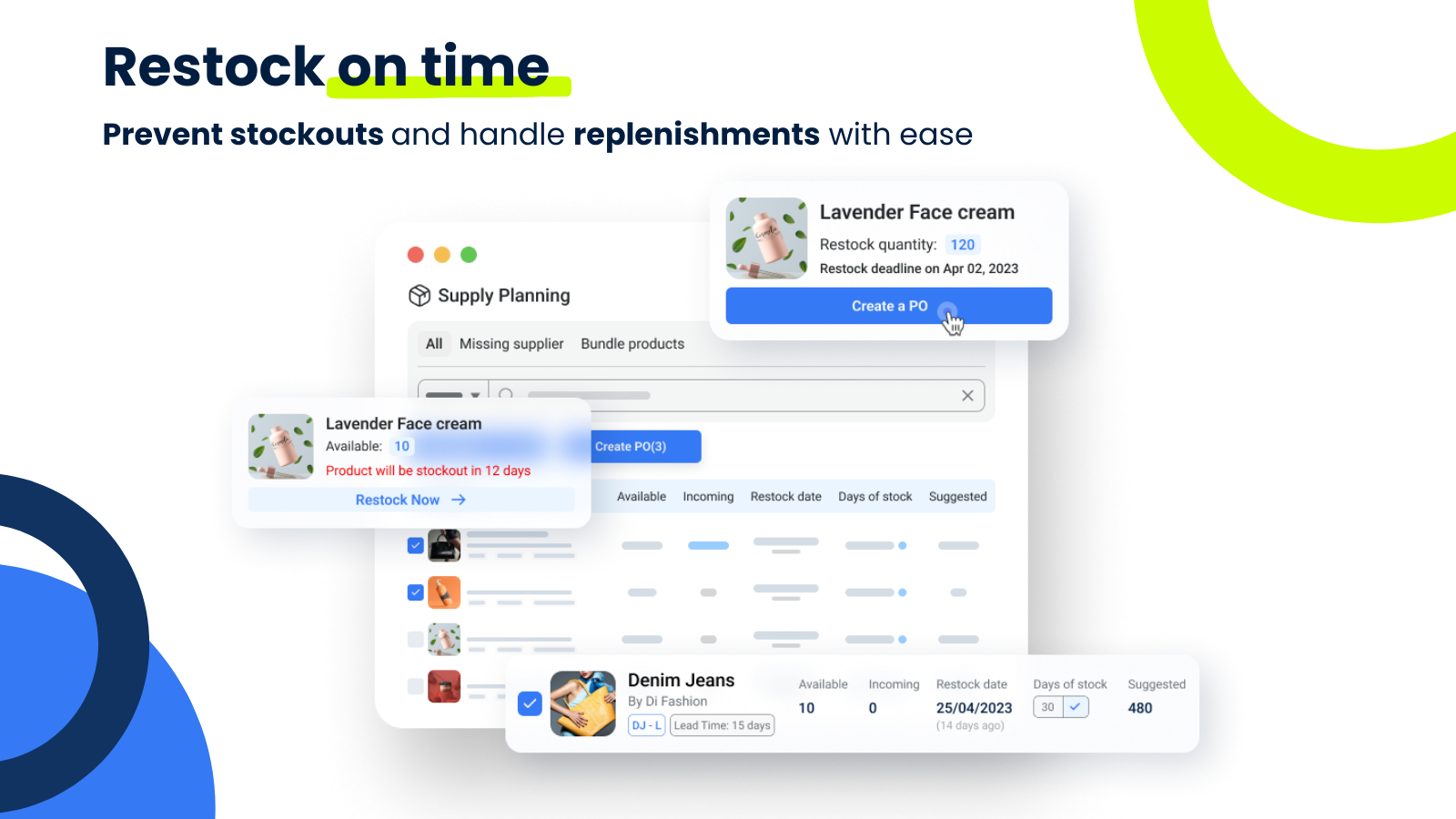
AI-powered inventory management and demand forecasting for growing Shopify brands — plan reorders, automate purchase orders, and get 300+ inventory reports.
-
#4. AI Inventory Forecasting, Inventory Planner & Purchase Order
4.9 ★ (264)
Free plan, paid from $49/month
All-in-one top rated Shopify AI inventory management & planner app. Demand forecasting, inventory transfers, raw materials, manage purchase orders & reports.
-
#5. Reorder & restock with inventory forecasting & purchase orders
4.9 ★ (165)
From $4.99/month
Manage Shopify inventory with forecasting, purchase orders and barcode stocktakes. Track suppliers, landed costs and stock value. Get low stock alerts.
-
#6. Push down or hide sold-out items. Back in stock notifications.
4.9 ★ (136)
Free plan, paid from $5.99/month
Hide or push down sold-out Shopify products with custom stock rules, send back-in-stock alerts, and plan restocks with waitlist demand and collection reports.
-
#7. Manage inventory with inventory alert and inventory forecast
4.8 ★ (130)
Free plan, paid from $5.99/month
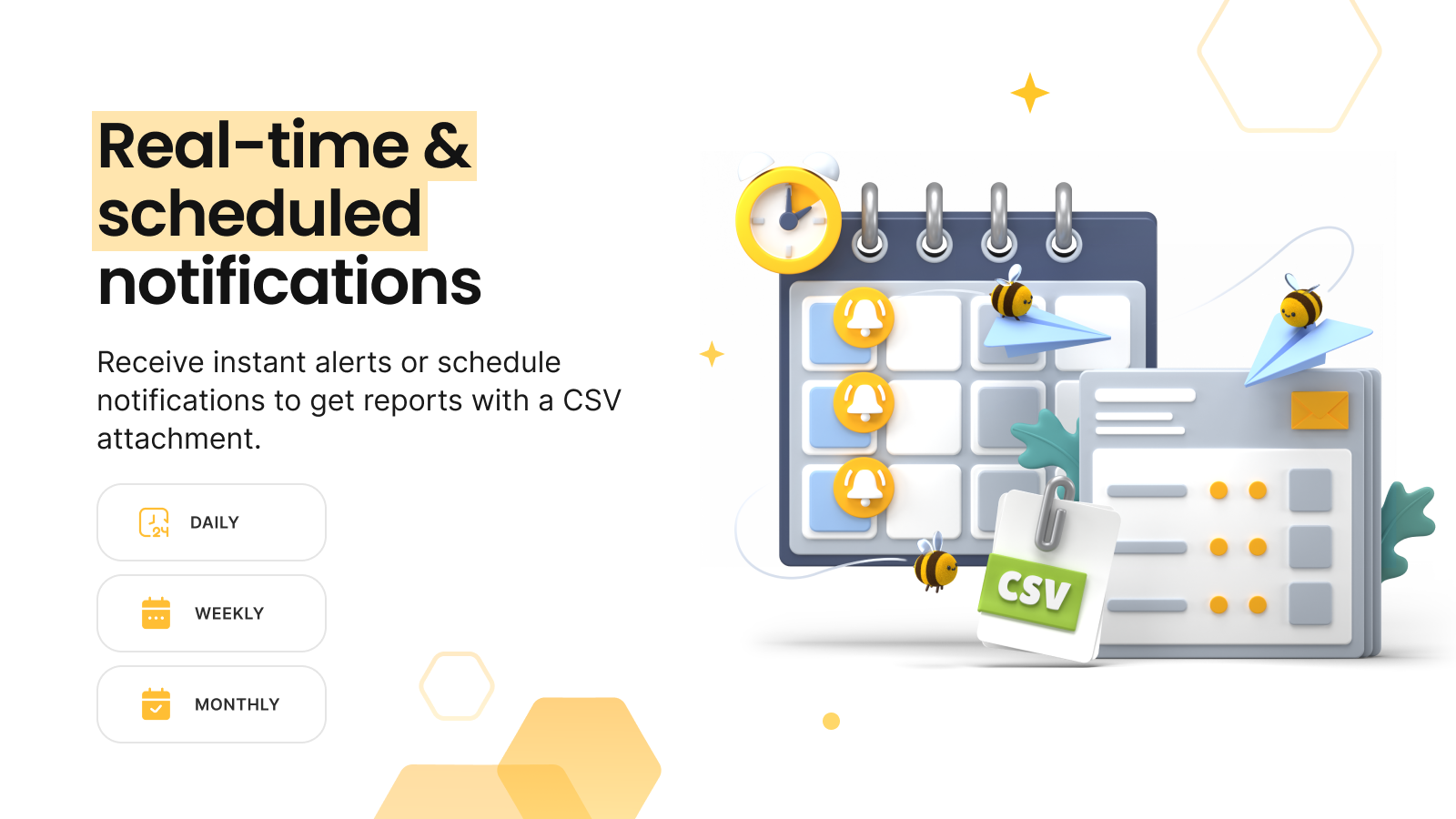
Get low inventory notifications, calculate reorder quantities, and set dynamic thresholds with the forecasting.
-
#8. Inventory Management: Stop overselling and Reduce stock outs
4.8 ★ (127)
Free plan, paid from $59/month
Complete inventory management and replenishment software. Automate multichannel sync, forecasting, planning, purchase orders, bundle inventory, stocktake
-
#9. Plan & restock smarter with AI forecasting and PO automation.

by Fabrikator IO Information Technologies UG
4.8 ★ (112)
Free plan, paid from $99/month
Fabrikatör is an inventory planning and optimization solution, designed for Shopify brands. Replenish, and create purchase orders & backorders. 14-day trial
-
#10. Optimize inventory, pick, pack, and ship with AI efficiency
5.0 ★ (65)
From $299/month
Integrate your retail and wholesale stores, marketplaces, and brick-and-mortar sites in one place. Streamline your warehouse operation by bringing all of your b
Rating source: Shopify App Store.
How we ranked the best Inventory optimization apps for Shopify
We rank Inventory optimization apps by their Shopify App Store rating and review volume, weighted by how well each fits the use case. Ratings, pricing and free-plan details are pulled from every app's live listing and refreshed regularly.
- Rating and review volume from the Shopify App Store
- Category fit and how often merchants install each app
- Pricing and free-plan transparency