Edit Orders After Checkout — Save Time, Reduce Support Tickets, Ship Smarter.
Free plan
The best Order editing apps for Shopify, ranked and compared.
Page 2 of 7 · 152 apps
Edit Orders After Checkout — Save Time, Reduce Support Tickets, Ship Smarter.
Free plan

Order printer & custom invoice PDFs. Automate emails, bulk delete orders and invoice order...
Free plan

Enable precise order fulfillment for products sold by catch weight such as meat, seafood a...

Forward a customer PO. Get a draft order automatically. No templates, no setup.
Free plan

Easily enable post-purchase order edits and upsells while minimizing support tickets
Free plan

Matches incoming bank payments to the correct order and marks it as "paid". QR code paymen...
Free plan

OrderAttrs gives you more control over order and draft order attributes on your store.

One Platform to boost revenue with Shipping Protection, Order Editing, and Real-Time Order...
Free plan

Apply/Remove tags to customers & orders by creating different conditions to automate your...
Free plan

Automatically mark orders as "Ready for Pickup" based on customizable rules. Delight your...
Free plan

Streamline order management by automating tag updates at every step.
Free plan

Manage pickup orders in one place, including bulk actions

Collect tips after checkout and delivery. Turn happy customers into extra revenue.

Combine orders from the same customer into one shipment (automatically) and cut shipping c...
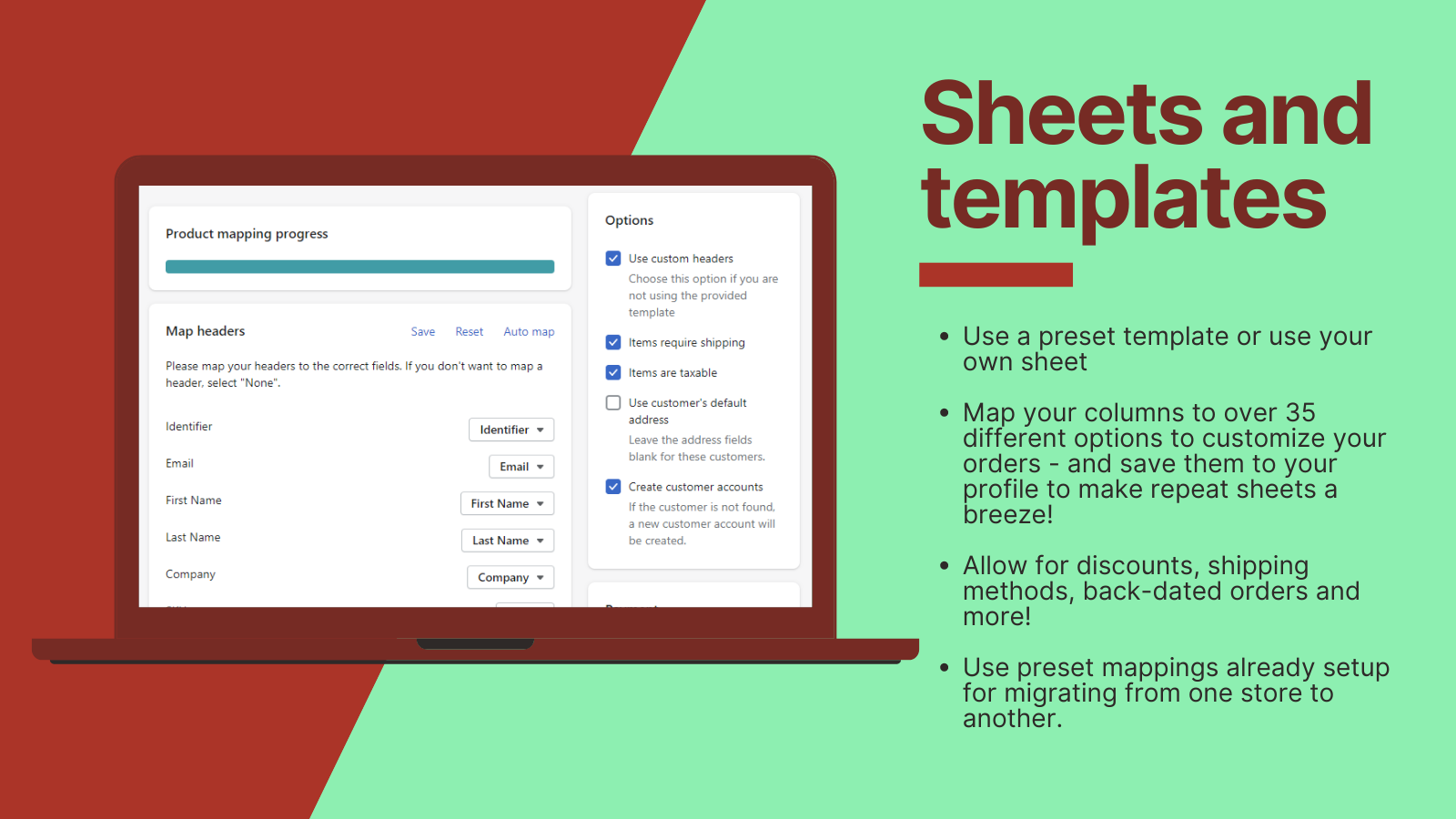
Turn spreadsheets into orders fast. Save hours on migrations and bulk order entry.
Free plan

Automate everything with 340+ workflow automations and simple no-code, custom logic & AI f...
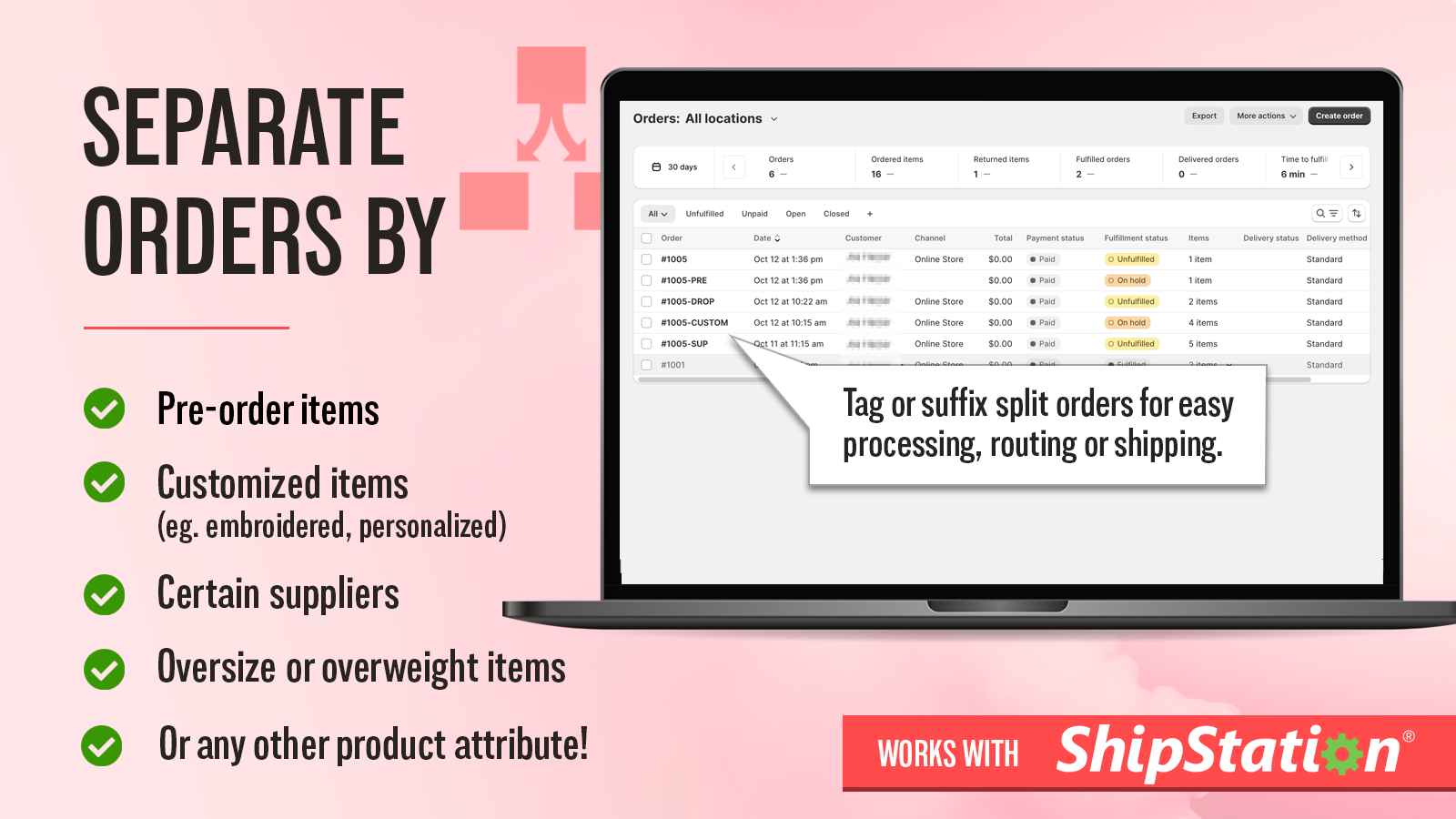
Create rules to split your orders and automate your fulfillment workflows!

Enable customers to self-edit their orders and upsell product recommendations driving up A...

Merge orders into one shipment to cut shipping costs—combine deliveries manually or automa...
Free plan

Merge customer orders to cut shipping, and let customers edit address, items, or cancel.
Free plan

Draft orders with custom pricing, line-item properties and more — built for B2B and custom...

Automatically split orders with defined custom rules for better fulfillment.
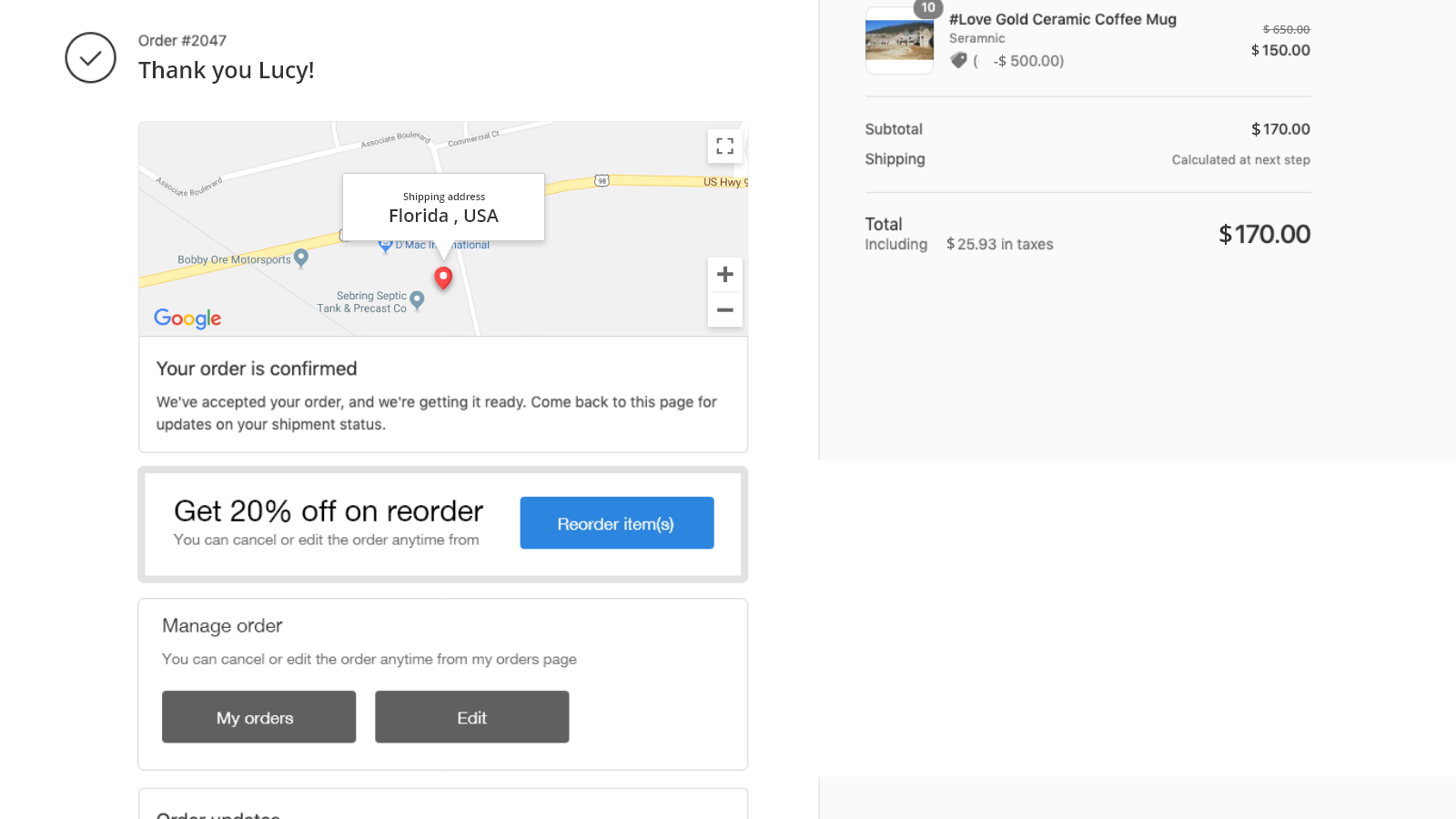
OrderEase: Cancel‑Edit‑Reorder
Free plan

Auto-transliterates shipping addresses for successful deliveries with international courie...
Free plan
We rank these apps by their Shopify App Store rating and review volume, weighted by how well each fits the use case. Ratings, pricing and free-plan details are pulled from every app's live listing and refreshed regularly.