 Hulk Product Options
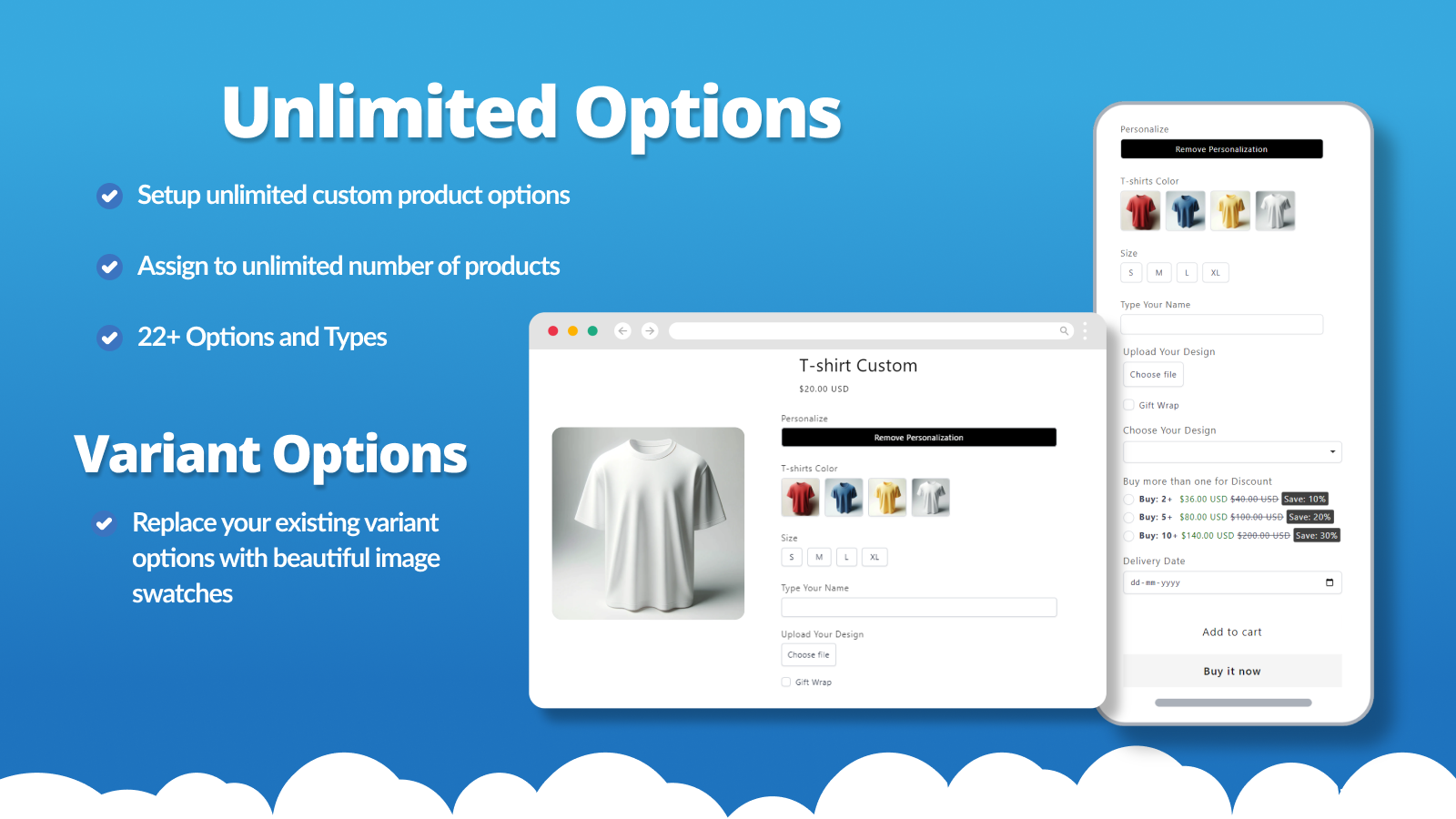
Add unlimited product options, variants, and swatches with add-on pricing and co...
Hulk Product Options
Add unlimited product options, variants, and swatches with add-on pricing and co...

Upload‑Lift Image Upload
Receive Image file uploads for personalized orders.
by Cloudlift · Launched: January 2020 · Free plan available.
Used by 8,442 Shopify stores
+68 installs · 30 days
Built for Shopify
See which stores use it — by country, co-installs & competitive gaps → Unlock with Pro
Manage this app
Verify your developer profile to earn a badge and build trust for your app.
/
About Upload‑Lift Image Upload
Upload-Lift allows customers to upload files / images / photos on Product, Contact, Cart and Order Status pages. It's easy to set up and does not require any theme modifications. You can configure the allowed file types, and the app includes an image editor to let customers crop images in your desired format. Let customers upload photo upload on any page on your store. Fast upload of any file type up to 5GB in size. Image editor that allows cropping with predefined ratios and crop shapes. Preview of the uploaded image on the upload field and cart page. File Validations. Configure min/max file size and image dimensions. File conversion of advanced file formats e.g (PDF/Ai) into images. Show more Show less
Last verified: July 12, 2026 · Fresh
App details
- Developer
- Cloudlift
- Category
- Selling products
- Pricing
- Free plan available
- Launched
- January 2020
- Rating
- 4.9 (139) on Shopify
Key features
- Unlimited file uploads
- 50 uploads linked to orders
- Max. 10MB upload file size
- File uploads stored for 30 days
- 500 uploads linked to orders
Customer accounts, Shopify Admin, Shopify Flow
4 plans · starts free · 7-day free trial
FREE
Free
STARTUP
$9/month
BASIC
$19/month
PRO
$29/month
Plans and prices as listed on the Shopify App Store.
Ratings & reviews
Overview 1 / 20
You might also like
Hulk Product Options
Add unlimited product options, variants, and swatches with add-on pricing and co...
 SC Product Options
Unlimited Product Customization with Infinite Options, Variant Options, Swatches...
SC Product Options
Unlimited Product Customization with Infinite Options, Variant Options, Swatches...
 Optionize Product Options
Add unlimited custom product options & add-ons with AI. Break the 3-option and 1...
Optionize Product Options
Add unlimited custom product options & add-ons with AI. Break the 3-option and 1...